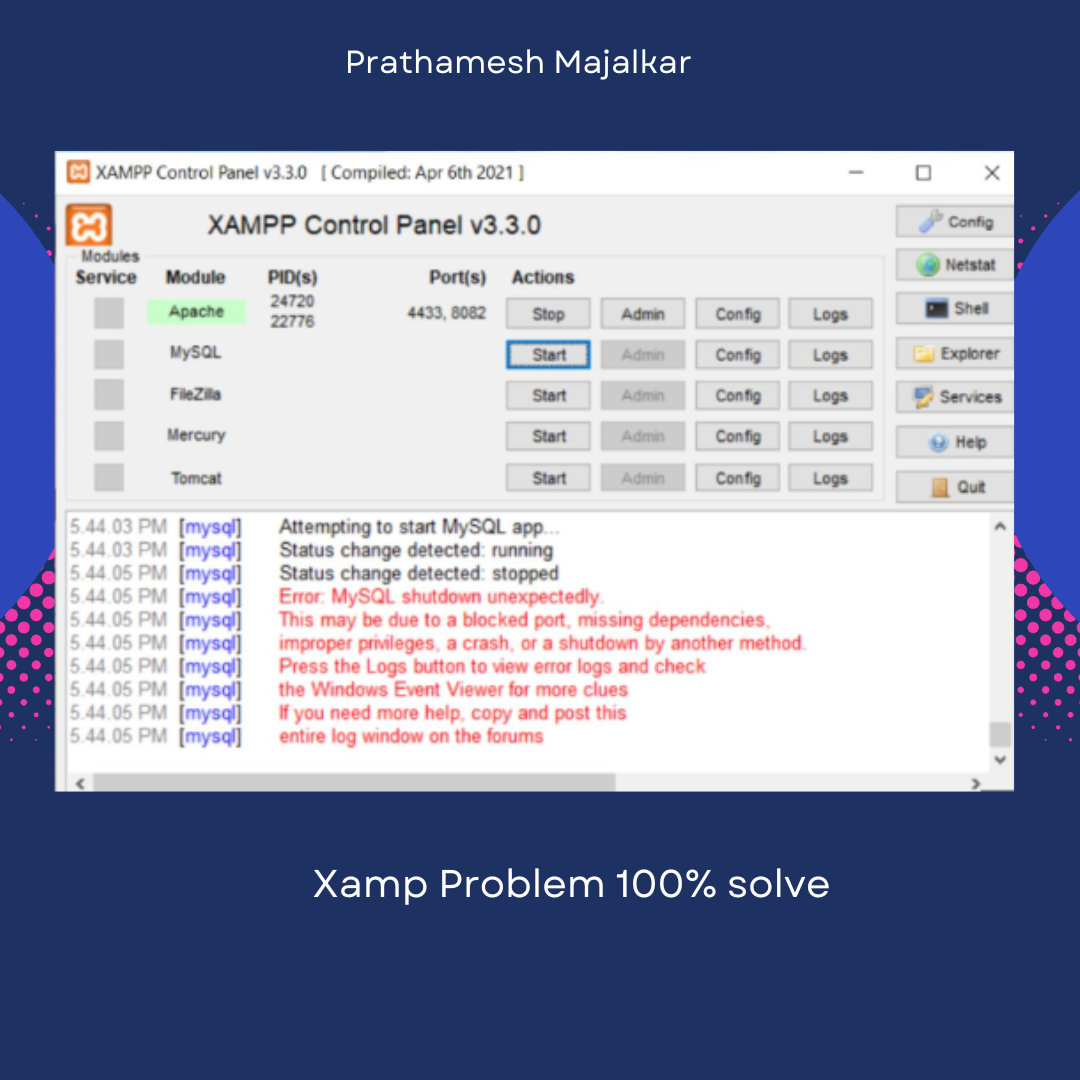
MySQL Shutdown
By Prathamesh Majalkar • Aug 10, 2025
This is one of the most common errors in XAMPP. To overcome this issue, follow these simple steps:
Steps:
- 1: Close XAMPP or stop all the running services.
-
2: Open the XAMPP folder on your PC (usually
located in your
C:\drive). -
3: Inside the XAMPP folder, open the
mysqlfolder. -
4: Copy the
datafolder and paste it in the same location with the namedata_old. This is a backup to ensure you don’t lose your data. -
5: Open the original
datafolder. -
6:
Important — read fully before proceeding:
Delete the following 4 folders:
phpmyadminmysqlperformance_schematest
ibdata1. -
7: Go back to
C:\xampp\mysqland open thebackupfolder. -
8: Copy all the contents from the
backupfolder except theibdata1file. -
9: Paste them into the
datafolder (where you deleted the files earlier). - 10: Start XAMPP again — it should now work properly.